
Most people carry their entire lives in their phones.
Banking apps, private messages, work emails, family photos, passwords, location history. It’s all there. That convenience is great until a strange thought pops into your head: what if someone is tracking my phone?
Maybe your battery has been draining unusually fast. Maybe your device feels warm when you’re not using it. Or perhaps you’ve noticed odd behavior, like apps opening unexpectedly or data usage suddenly increasing.
The good news is that smartphones include several diagnostic codes that can help you check certain settings and forwarding features that are sometimes linked to unauthorized monitoring. They aren’t magic spy detectors, but they can reveal useful clues.
If you’re concerned about privacy, knowing these codes is a smart place to start.
What Phone Tracking Actually Means
Before looking at the codes, it’s worth clearing up a common misunderstanding.
People frequently use the term “phone tracking” to refer to a variety of different activities and technologies
In some cases, it’s simple location sharing through apps like Google Maps or Apple Find My. In others, it involves call forwarding, message forwarding, spyware apps, or unauthorized access to accounts connected to the phone.
Let’s be honest. Not every strange phone behavior means someone is spying on you. Batteries wear out. Apps crash. Software updates create temporary glitches.
Still, if something feels off, checking a few settings takes only a few minutes.
The Most Common Code: *#21#
One of the most widely discussed codes is:
*#21#
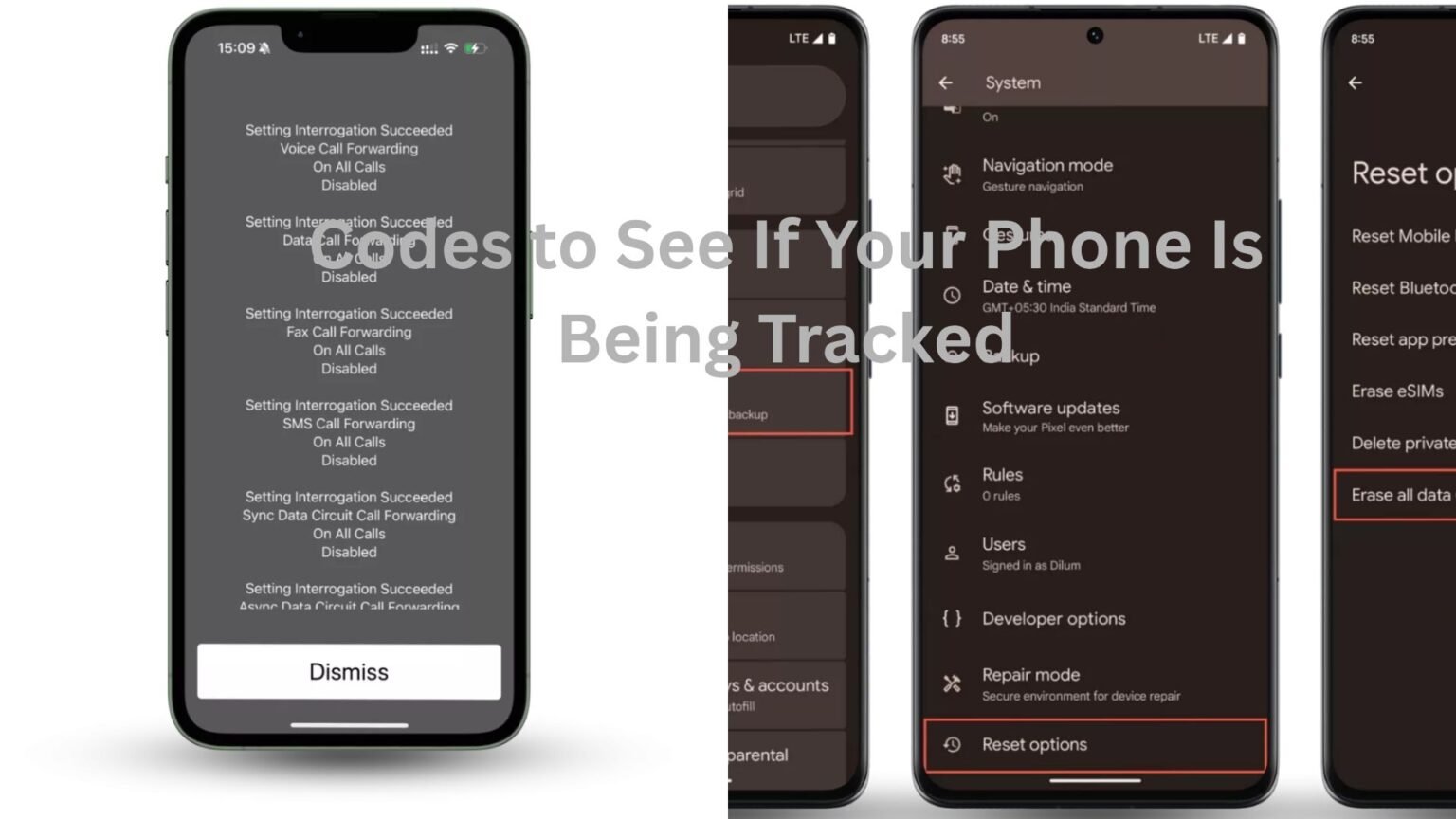
When entered into the phone dialer and activated, this code displays the status of call forwarding settings on many networks.
Call forwarding allows incoming calls, messages, or other communications to be redirected to another number. It’s a legitimate feature that people use every day when traveling or switching devices.
The reason privacy-conscious users check this code is simple.
If calls are being forwarded somewhere without your knowledge, you’ll want to know.
Imagine someone notices that calls frequently go unanswered even though the phone was nearby. Running the code reveals active forwarding settings that were forgotten months ago. That’s not spying, but it’s useful information.
Results vary depending on the carrier and phone model, so don’t panic if the information looks unfamiliar.
Using *#62# to Check Redirected Calls
Another useful code is:
*#62#
This code typically shows where calls may be redirected when your phone can’t be reached.
For example, if your device is switched off, out of coverage, or unavailable, calls might be sent elsewhere.
Many users discover that the destination number belongs to their carrier’s voicemail service. That’s completely normal.
The confusion starts because people see an unfamiliar number and immediately assume they’re being monitored.
Here’s the thing: most of the time, the number displayed is simply a voicemail system managed by the network provider.
Still, it’s worth checking if the number looks suspicious or doesn’t match your carrier’s services.
What *#67# Can Tell You
The code:
*#67#
checks forwarding settings when your line is busy or when you reject a call.
Again, this is usually connected to voicemail.
Let’s say you’re already on a call and someone else tries to reach you. The network needs somewhere to send that incoming call. That’s often where voicemail steps in.
Many online discussions treat every forwarding result as proof of surveillance. In reality, most results are completely ordinary.
The value comes from understanding what’s configured on your device rather than jumping straight to conclusions.
The Code Many People Search For: *#06#
If you’ve spent any time reading phone privacy forums, you’ve probably seen:
*#06#
This code displays your phone’s IMEI number.
The IMEI, or International Mobile Equipment Identity number, is essentially your phone’s unique identifier.
By itself, it doesn’t tell you whether someone is tracking you. However, it’s important information to have.
If your device is lost, stolen, or compromised, the IMEI can help your carrier identify the phone. Many people save it in a secure location for that reason alone.
Think of it as knowing your vehicle identification number for a car. You may never need it, but you’ll be glad to have it if something goes wrong.
Checking Overall Forwarding Status with *#004#
Another code worth knowing is:
*#004#
This command often displays all conditional forwarding settings in one place.
Instead of checking several forwarding scenarios separately, it gives a broader view of what happens when calls can’t connect normally.
For someone trying to verify phone settings quickly, this can save time.
If you recently changed carriers, switched phones, or reset network settings, it’s a useful check.
What About *#61#?
The code:
*#61#
usually reveals where unanswered calls are forwarded.
Again, voicemail is the most common destination.
A practical example: someone notices that callers reach voicemail after only a few rings. Running this code may show how the network handles unanswered calls and how long it waits before forwarding them.
That information can help solve communication issues that have nothing to do with spying.
Signs That Matter More Than Secret Codes
Phone codes can provide useful information, but they’re only one piece of the puzzle.
Behavioral signs often tell a more complete story.
A phone that suddenly consumes massive amounts of data without explanation deserves attention. The same goes for a device that overheats while idle, experiences unusual battery drain, or displays unfamiliar apps that weren’t installed intentionally.
Now, none of these symptoms automatically mean surveillance.
A poorly optimized social media app can drain a battery just as effectively as malicious software.
What matters is the pattern.
When multiple warning signs appear together, it’s worth investigating further.
How Spyware Usually Gets Onto a Phone
Many people imagine sophisticated hackers breaking into devices from across the world.
The reality is often less dramatic.
Spyware commonly arrives through suspicious downloads, fake apps, phishing links, or unauthorized physical access to a device.
Someone borrows a phone for a few minutes. An app gets installed. Permissions are granted. The owner never notices.
That’s one reason security experts often focus on app permissions rather than dialing codes.
If an application has access to your microphone, camera, contacts, location, messages, and files, that’s far more significant than most forwarding settings.
Check Your App Permissions
After running the diagnostic codes, spend a few minutes reviewing permissions.
Look at which apps can access:
- Location
- Microphone
- Camera
- Contacts
- Messages
- Storage
If a flashlight app wants access to your contacts and microphone, that’s a red flag.
Most legitimate apps request permissions that make sense for their purpose.
When permissions don’t match functionality, it’s worth asking why.
Review Your Installed Apps
One of the simplest privacy checks is also one of the most effective.
Open your app list and scroll slowly.
Don’t rush.
Look for apps you don’t recognize.
Some monitoring software disguises itself with generic names or icons. Others may appear as system tools or services.
If something looks unfamiliar, research it before deleting it. Some legitimate system applications can appear unusual to everyday users.
The goal is awareness, not panic.
Keep Your Phone Updated
Software updates aren’t exciting.
Most people postpone them until the reminders become impossible to ignore.
Yet updates often contain security fixes that close vulnerabilities attackers could exploit.
A phone running an outdated operating system is generally easier to compromise than one with current security patches.
Think of updates as routine maintenance. They’re not glamorous, but they matter.
When a Factory Reset Makes Sense
Sometimes concerns persist despite checking codes, permissions, and installed apps.
In that situation, a factory reset may be the cleanest solution.
A reset removes most apps and returns the device to its original state.
Of course, you’ll want to back up important photos, documents, and contacts first.
For many users, a fresh start eliminates unwanted software and restores peace of mind.
Just remember to reinstall apps carefully afterward rather than downloading everything blindly.
Don’t Rely on Viral Social Media Claims
Videos about phone surveillance spread quickly online.
You’ll often see dramatic claims that a single code can instantly reveal every person tracking your device.
Reality is rarely that simple.
Most diagnostic codes provide information about forwarding settings and network configurations. They do not function as universal spyware detectors.
That’s why it’s important to combine these checks with practical security habits.
The codes are tools. Helpful tools. But they’re only part of the picture.
Final Thoughts
If you’re worried your phone might be tracked, the codes *#21#, *#62#, *#67#, *#61#, *#004#, and *#06# can provide useful insight into forwarding settings and device information. They’re quick to use and can help uncover configurations you may not have realized were active.
At the same time, real privacy protection goes beyond dialing a few numbers.
Pay attention to unusual behavior. Review app permissions regularly. Keep your software updated. Be cautious about downloads and links. Those habits do far more to protect your phone than any secret code ever could.
A few minutes of checking today can save a lot of worry tomorrow.