
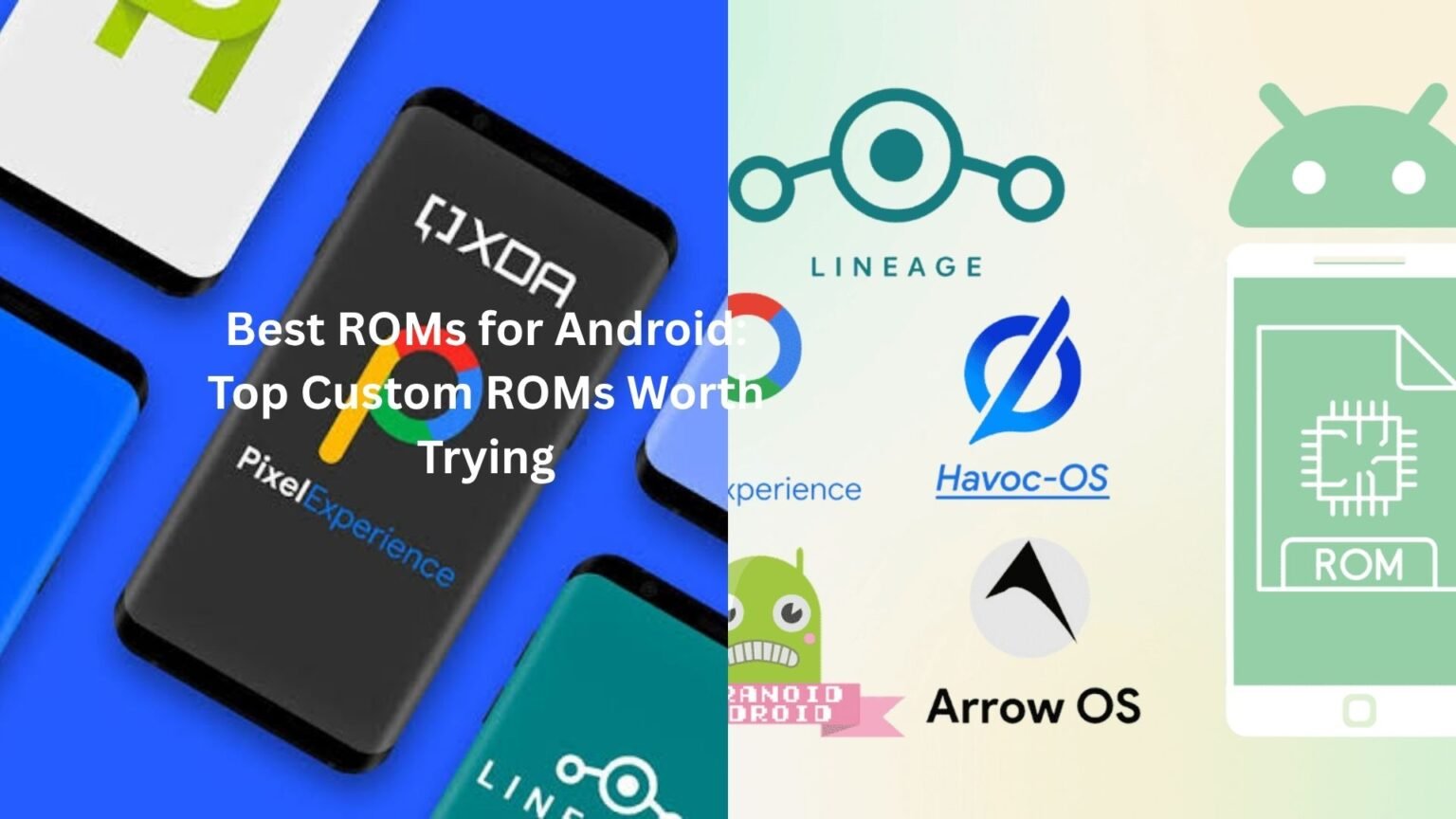
Android gives users a level of freedom that most smartphone platforms simply don’t offer. One of the biggest reasons people stay loyal to Android is the ability to install custom ROMs. If you’ve ever felt frustrated by slow updates, unnecessary apps, or a phone that seems to get slower every year, custom ROMs can completely change the experience.
The best ROMs don’t just make your device look different. They can improve performance, extend battery life, add features that manufacturers never included, and even keep older phones running years after official support ends.
I’ve seen people revive five-year-old devices that felt practically unusable on stock software. A simple ROM installation turned them into smooth daily drivers again. That’s the kind of difference we’re talking about.
Table of Contents
- What Are Custom ROMs?
- Why People Install Custom ROMs
- Best ROMs Available Today
- LineageOS
- Pixel Experience
- crDroid
- Evolution X
- ArrowOS
- Paranoid Android
- Project Elixir
- Which ROM Is Best for Performance?
- Which ROM Is Best for Battery Life?
- Things to Know Before Installing a ROM
- Common Mistakes Beginners Make
- Are Custom ROMs Still Worth It?
- Final Thoughts
What Are Custom ROMs?
A custom ROM is a modified version of Android created by independent developers or development communities rather than phone manufacturers.
Think of it like replacing the operating system on your computer. The hardware stays the same, but the software experience changes completely.
Manufacturers often add their own interfaces. Samsung has One UI. Xiaomi uses HyperOS. OnePlus has OxygenOS. These systems work well for many people, but they also come with their own design choices, apps, and limitations.
Custom ROMs remove many of those restrictions and give users more control.
Some focus on speed. Others prioritize customization. A few aim to recreate Google’s Pixel experience on non-Pixel devices.
The good news is that there’s something for almost everyone.
Why People Install Custom ROMs
The most common reason is simple: updates.
Many Android devices stop receiving updates after two or three years. The hardware may still work perfectly, but the software becomes outdated.
Custom ROM communities often continue supporting devices long after manufacturers move on.
Battery life is another major factor.
A friend of mine had an older Xiaomi phone that struggled to make it through a full day. After installing a lightweight ROM, screen-on time improved noticeably because background services and unnecessary apps were removed.
Privacy also plays a role.
Some ROMs reduce tracking, remove bloatware, and give users more control over permissions and system behavior.
Then there’s customization. Android fans love making their devices feel unique.
Best ROMs Available Today
The custom ROM landscape changes constantly, but a handful of projects consistently stand out because of reliability, developer support, and user satisfaction.
Let’s look at the best ROMs that continue to impress Android enthusiasts.
LineageOS
When people talk about custom ROMs, LineageOS is usually the first name that comes up.
There’s a reason for that.
LineageOS is the spiritual successor to CyanogenMod, one of the most influential Android projects ever created.
The ROM focuses on stability and clean Android experiences. Instead of overwhelming users with endless settings, it provides a polished system that feels reliable every day.
Many older devices continue receiving support through LineageOS even after official updates end.
One thing users appreciate is consistency. Features work as expected. Bugs are usually addressed quickly. Security updates arrive regularly.
If someone asks for a first custom ROM recommendation, LineageOS is often the safest answer.
Pixel Experience
Not everyone wants dozens of customization options.
Some people simply want their phone to feel like a Google Pixel.
That’s exactly what Pixel Experience delivers.
The ROM includes Pixel wallpapers, icons, fonts, animations, boot screens, and Google applications. The result feels remarkably close to owning an actual Pixel device.
The clean interface appeals to users who prefer simplicity over endless tweaking.
A lot of former Samsung and Xiaomi users choose Pixel Experience because it removes clutter while keeping Android smooth and familiar.
For many people, it’s the perfect balance between functionality and simplicity.
crDroid
crDroid has quietly become one of the most respected ROMs in the Android community.
What makes it special is balance.
You get excellent performance, extensive customization, and strong stability without feeling overwhelmed.
Want to customize status bar icons? You can.
Need advanced lock screen settings? They’re available.
Interested in performance tweaks? Plenty of options exist.
Despite all those features, crDroid generally remains smooth and dependable.
Many enthusiasts consider it the sweet spot between lightweight ROMs and heavily customized alternatives.
Evolution X
Evolution X attracts users who enjoy customization but still want a modern, polished experience.
The developers combine Pixel-inspired design elements with a huge collection of personalization tools.
You can modify animations, lock screen behavior, notification settings, navigation styles, quick settings panels, and much more.
The impressive part is how integrated everything feels.
Sometimes feature-packed ROMs become messy. Evolution X usually avoids that problem by keeping the user interface clean and organized.
For people who enjoy exploring settings and fine-tuning every aspect of their device, Evolution X is hard to ignore.
ArrowOS
ArrowOS takes a different approach.
Instead of packing every possible feature into the system, it focuses on speed and simplicity.
The ROM is lightweight, responsive, and easy on system resources.
Older devices particularly benefit from ArrowOS because it avoids unnecessary complexity.
I’ve seen users install ArrowOS on aging phones and immediately notice smoother app launches and faster navigation.
Battery performance often improves as well.
If your goal is efficiency rather than endless customization, ArrowOS deserves serious consideration.
Paranoid Android
Paranoid Android holds a special place in Android history.
It helped introduce several features that eventually became standard across Android itself.
Today, the project continues with a focus on elegance and user experience.
The interface feels refined. Animations are smooth. Design choices appear deliberate rather than experimental.
Many users describe Paranoid Android as one of the most polished ROMs available.
Development isn’t always as rapid as some competing projects, but quality remains a priority.
Sometimes fewer updates are acceptable when the experience feels this polished.
Project Elixir
Project Elixir has gained significant attention in recent years.
It combines modern Android design with useful customization features while maintaining impressive performance.
The developers focus heavily on user experience, which becomes obvious after spending time with the ROM.
Settings are organized logically. Features feel purposeful rather than added for marketing value.
Many users praise its stability and active development community.
For newer Android devices, Project Elixir has become an increasingly popular choice.
Which ROM Is Best for Performance?
Performance depends partly on device compatibility, but some ROMs consistently stand out.
ArrowOS is often one of the fastest options because of its lightweight design.
LineageOS also performs exceptionally well due to its clean implementation and efficient resource management.
Older phones especially benefit from these ROMs.
Imagine opening apps without waiting several seconds each time. That’s the kind of improvement many users report after moving away from bloated manufacturer software.
The difference isn’t magic. It’s simply cleaner software running on the same hardware.
Which ROM Is Best for Battery Life?
Battery life conversations can get complicated because usage habits vary so much.
That said, ArrowOS, LineageOS, and Pixel Experience often receive praise for efficiency.
Fewer background services generally mean lower battery consumption.
Some users gain an extra hour or two of screen-on time after switching ROMs.
Others notice standby drain practically disappearing overnight.
Results differ from device to device, but battery improvements remain one of the most common benefits people mention.
Things to Know Before Installing a ROM
Installing a custom ROM isn’t difficult once you understand the process, but preparation matters.
First, always verify that your device officially supports the ROM.
A great ROM running poorly on unsupported hardware won’t deliver a good experience.
Backups are essential.
Photos, contacts, messages, app data—save everything before making changes.
Unlocking bootloaders and flashing software carries risks. Most installations go smoothly, but mistakes happen.
Reading installation guides carefully can save hours of frustration later.
Patience helps too.
Rushing through instructions is usually how problems begin.
Common Mistakes Beginners Make
One common mistake is chasing features instead of stability.
A ROM with hundreds of customization options sounds exciting until random crashes start appearing.
Stability should always come first.
Another issue involves ignoring developer notes.
Every device has unique requirements. Installation instructions exist for a reason.
People also underestimate backup importance.
Nobody plans to lose data, yet it happens regularly when preparation gets skipped.
Finally, some users jump between ROMs constantly.
It’s tempting to try every new release, but spending time with one ROM often provides a better experience than reinstalling software every weekend.
Are Custom ROMs Still Worth It?
Years ago, custom ROMs were almost necessary because manufacturer software often lagged behind.
Things have improved significantly.
Samsung, Google, OnePlus, and others now provide much better software experiences.
Even so, custom ROMs remain relevant.
They extend device life.
They offer additional privacy.
They remove unwanted software.
They allow customization beyond what manufacturers provide.
Most importantly, they keep Android’s spirit of openness alive.
That freedom still matters to many users.
Final Thoughts
The best ROMs aren’t necessarily the ones with the longest feature lists. They’re the ones that make your phone work better for your needs.
LineageOS remains an excellent all-around choice. Pixel Experience delivers a clean Google-style experience. ArrowOS shines for performance and battery life. crDroid and Evolution X satisfy users who enjoy customization, while Paranoid Android and Project Elixir offer polished alternatives with loyal communities.
Here’s the thing: the perfect ROM depends on what you value most. Speed, battery life, customization, simplicity, or long-term support all point toward different options.
Take some time to research your device, read community feedback, and choose a ROM that matches your priorities. The right choice can make an old phone feel new again and transform the way you use Android every day.